
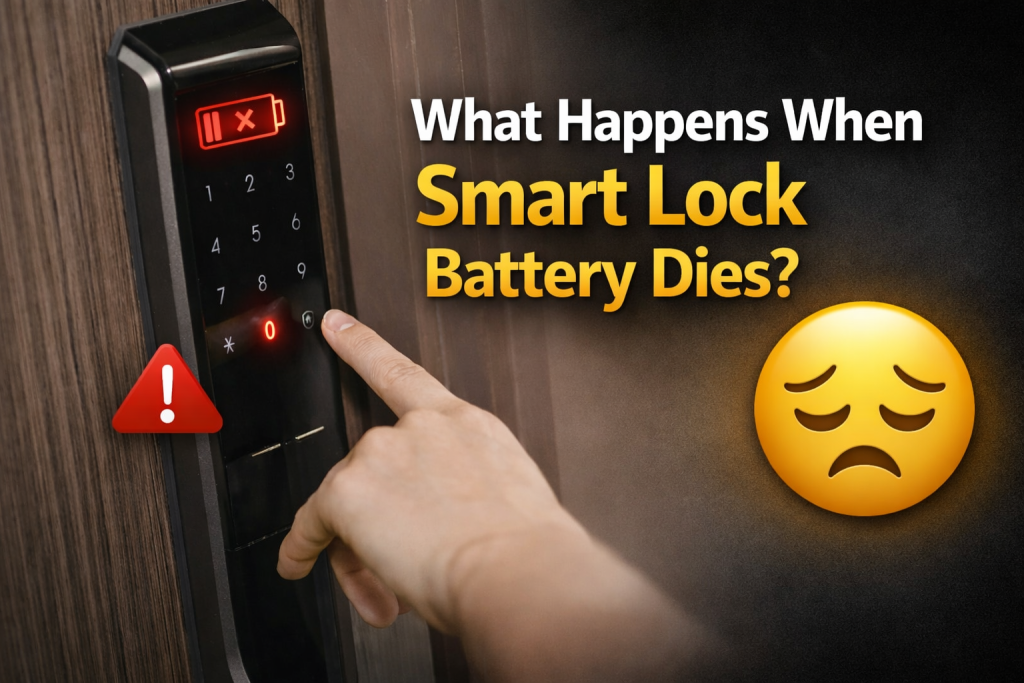
If you’ve ever wondered what happens when smart lock battery dies, you’re not alone. This is the biggest fear holding people back from having a smart lock. The good news? It is almost always a minor maintenance task.
In this article, Lockpro Technology will share what occurs when the battery fails and why it happens. On top of that, we also will get to know how to get back inside within minutes.
Why Smart Locks Have To Deal With Dead Batteries?
Unlike a traditional deadbolt that uses purely mechanical force, a smart lock is a small computer attached to a motor. That motor needs electricity to turn the bolt. Every time you use a keypad, fingerprint scanner or app, you’re asking that motor to work.
Here’s the reality every smart lock owner must accept:
- All batteries die eventually. Even the best batteries lose charge over time.
- Smart locks are always on. Even in “sleep mode,” the lock is capturing for Bluetooth signals, checking battery levels, and maintaining internal clocks.
- Usage varies wildly. A family of five using the lock 20 times per day will drain batteries much faster than a single person using it twice daily.
What Actually Causes Smart Lock Batteries To Die?
Understanding the causes helps you prevent early failure. Here are the four main culprits:
1. Normal Usage
Every unlock and lock cycle uses power. A typical smart lock motor runs for 1-2 seconds per cycle. Quality locks use efficient motors that sip power. Cheap locks use weak motors that strain and draw 5-10 times more current.
2. Poor Connectivity Choices
This is the biggest hidden killer.
- Direct Wi-Fi locks maintain a constant connection to your router. That’s like leaving a walkie-talkie on 24/7. Battery life: 1-3 months.
- Bluetooth + Bridge locks only wake up when you’re nearby or when the bridge sends a signal. Battery life: 6-12 months.
3. Extreme Temperatures
Cold weather is brutal on alkaline batteries. Below 40°F (4°C), the chemical reaction inside slows dramatically. Your lock may report “dead” even when the batteries have 60% charge left. Heat above 100°F (38°C) also accelerates self-discharge.
4. Cheap or Old Batteries
Not all batteries are equal. Low grade alkaline batteries might last 3 months. Premium lithium batteries can last 18 months. Also, batteries expire on the shelf. When using a 3-year-old pack means starting at 70% capacity.
What Happens When The Battery Dies

Stage 1: Low Battery Warnings
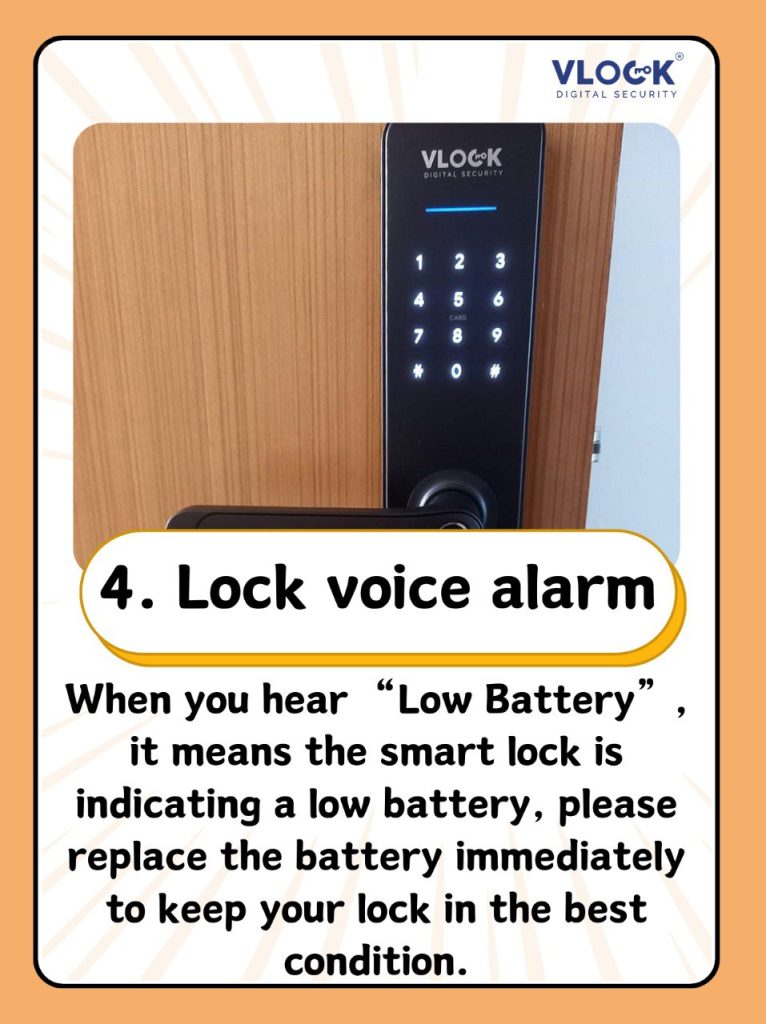
Weeks before failure — The lock enters warning mode. Depending on the brand, you’ll experience:
- Audible beeping during operation
- Flashing red or orange LED
- Mobile app notification (if connected)
- Email alert from the manufacturer
Stage 2: Reduced Functionality
Days before failure — The lock starts struggling. You might notice:
- Motor sounds slower or weaker than usual
- Keypad backlight dims
- Bluetooth range decreases
- Occasional failure to respond on first tap
At this stage, you can still operate the lock. But you’re on borrowed time.
Stage 3: Complete Failure
The moment of death — You tap, press, or use the app. Nothing happens. The lock is now a brick.
Important: In 99% of cases, the lock fails in the last known state. If it was locked when the battery died, it stays locked. If it was unlocked, it stays unlocked. It does NOT automatically unlock for security reasons.
How To Deal With A Dead Smart Lock Battery
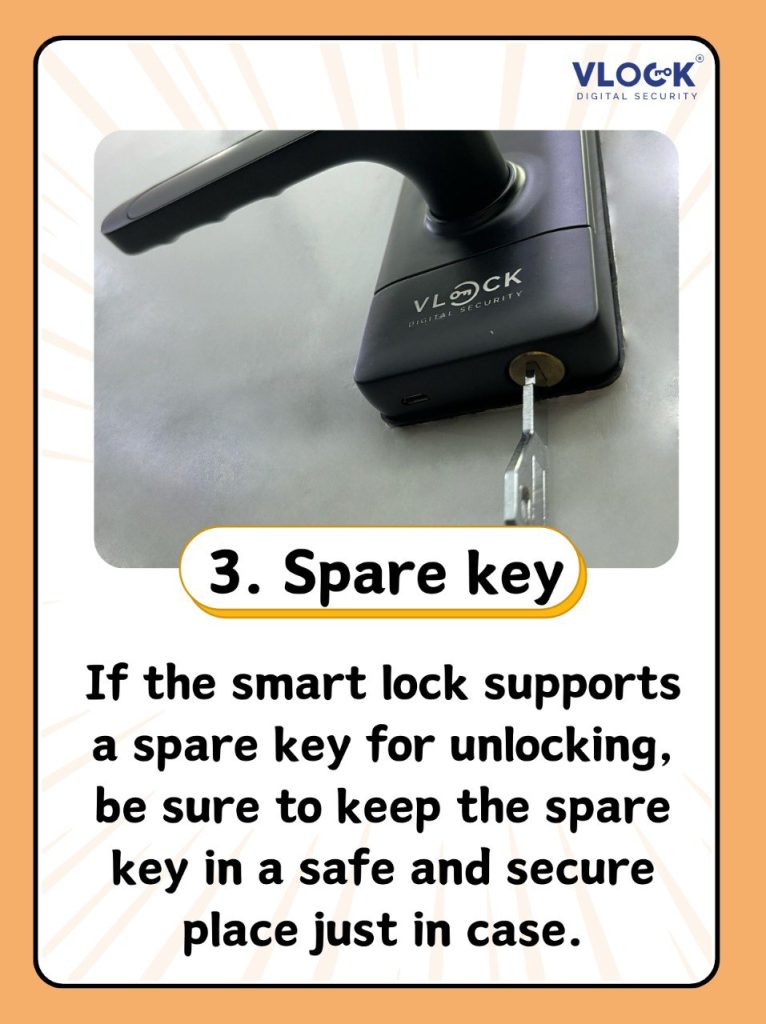
Solution 1: Use the Physical Key (Easiest)
Every quality smart lock includes a hidden keyhole. Look for a cap or cover on the bottom or face of the lock. Remove it with a fingernail or the included tool. Insert the physical backup key (keep one in your car, wallet, or with a neighbor).
Works even if: Batteries are completely dead, electronics are fried, motor is broken.
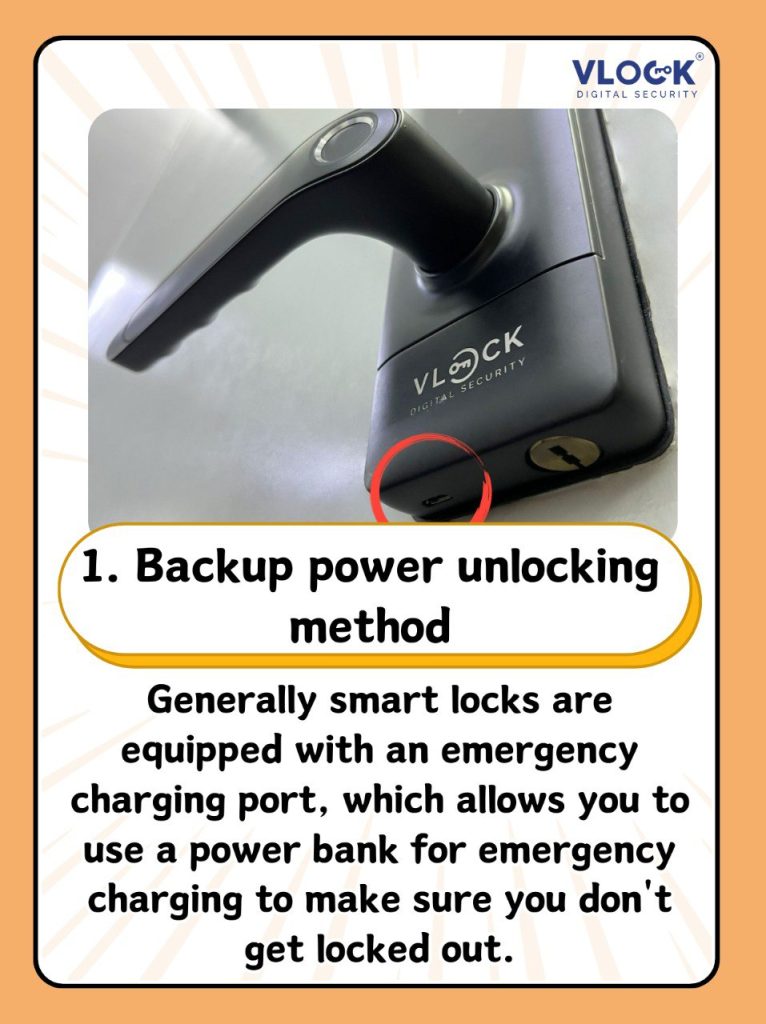
Solution 2: Emergency USB Port
Many smart locks hide a Micro-USB or USB-C port under the lock. Plug in any portable power bank. Within 10-30 seconds, the lock powers up. Enter your code and open the door.
Solution 4: Replace the Batteries (Obvious but Requires Entry)
Once you’re inside, replace all batteries with fresh ones. Use:
- Lithium batteries for cold climates (best performance)
- Premium alkalines for moderate climates (Energizer Max, Maxell)
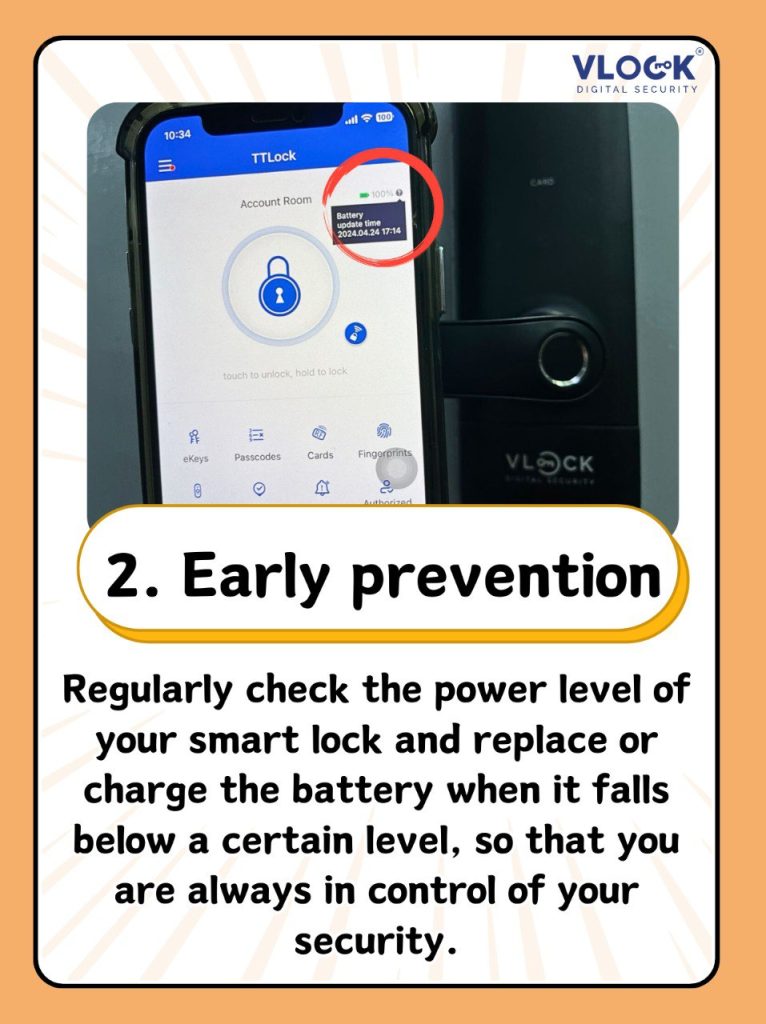
- Avoid rechargeables (lower voltage causes false low-battery warnings)
Preventing Dead Battery Lockouts (Simple Habits)
Do these three things and you’ll never be stranded.
| Habit | How Often | Why It Works |
|---|---|---|
| Change batteries annually | Every birthday or New Year’s Day | Prevents the problem entirely |
| Keep a backup key outside | One time setup | Ultimate failsafe (lockbox or neighbor) |
| Test low-battery alerts | Every 6 months | Remove batteries slightly to trigger warning; verify app notification works |
End Note
The fear what happens when smart lock battery dies is understandable. But for any quality smart lock with a physical key override, a dead battery is never an emergency. So, change the batteries once per year, keep a physical backup nearby, and you’ll enjoy the convenience without the anxiety. The battery will die eventually.
Looking Smart Lock for Your Home?
At VLOCK Malaysia, we offer reliable and secured smart door lock that designed to enhance both security and convenience. Whether you prefer face recognition, fingerprint access, PIN codes, RFID cards, or mobile app unlocking, our team will help you choose a smart lock solution that fits your lifestyle perfectly combining safety, technology, and elegant design.
Contact us today to learn how we can enhance your building’s security and efficiency.